
Hoard Sweeper Multiplayer: Platforms, Crossplay and Solo
Last updated: November 28, 2026 · By the Hoard Sweeper fan site · Game by Jungle Pixel Studio
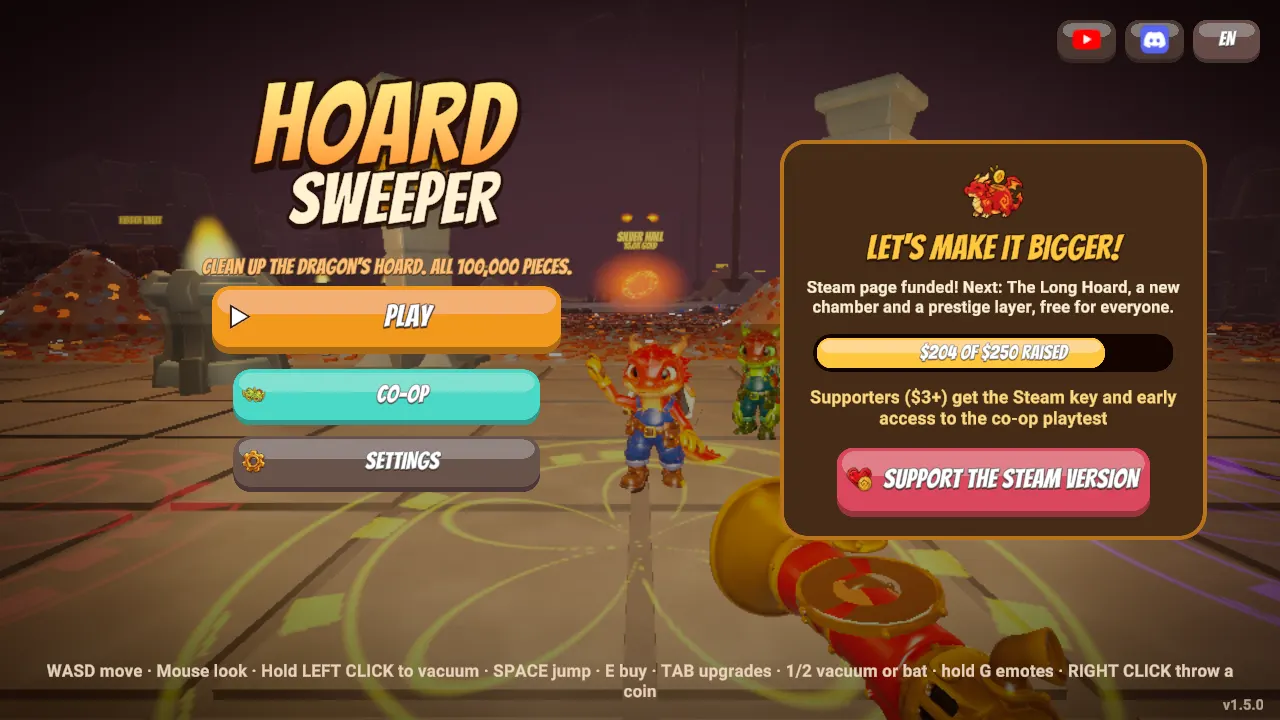
Online multiplayer in Update 1.6 is available in the Windows Supporter Pack. The free browser build does not have co-op, and entering a Supporter code in the browser does not add it. There is therefore no browser-to-Windows co-op route in this version. Steam co-op is planned, but the release date and final compatibility details are not announced.
For the actual host/join button sequence and troubleshooting, use the dedicated six-letter co-op setup guide. This page helps you decide which platform and mode fit your group before anyone starts a room.
| Edition | Floors | Online co-op in Update 1.6 | Access |
|---|---|---|---|
| Free browser | 1–3 | No | Free and stated to remain free |
| Browser with Supporter code | 1–6 | No | Code supplied with the pack |
| Windows Supporter Pack | 1–6 | Yes, room code | $5.99 or more on itch.io |
| Steam | Planned full edition | Planned; details TBD | Date and Steam price not announced |
Decide which mode you need
Choose the free browser route if you want to try the game alone immediately. It covers the first three floors, uses no installer, and is a useful way to learn the vacuum-and-sort rhythm. A Co-op label on a menu image or in an old video does not override the 1.6 platform split.
Choose the Windows pack if playing together now is your priority. The official offer includes the complete six-floor game and online co-op. The pack also supplies the golden vacuum, a Supporter code and a future Steam key when the game launches. Check the official itch.io page for the current offer before buying.
Wait for Steam details if your group specifically wants a Steam release. The store page has been funded and is awaiting Steam review before wishlists open. The developer has not confirmed a launch date, Steam price or cross-platform compatibility. A future key included with the pack is not a currently playable Steam build.
Crossplay: what is and is not established
Browser-to-Windows online play is not available in 1.6 because the browser edition no longer offers co-op, even when all its floors are unlocked. The Supporter code changes access to floors and the golden vacuum; it does not connect the browser client to a Windows room.
Official itch.io notes describe online rooms in the Windows Supporter Pack. They do not establish whether a later Steam player could join a Windows itch.io player, whether rooms would share a matchmaking service, or how invitations would work on the future release. Treat those combinations as not announced, rather than as confirmed crossplay or a permanent technical impossibility.
If friends already play solo on different sites, that does not imply their progress or rooms are shared. Make sure everyone understands which edition is needed for the planned session; the co-op instructions cover the separate room workflow.
Codes, player counts and couch play
The online room flow uses a six-letter room code created by the host and entered by a joining friend. It is separate from the Supporter code supplied with the paid pack. Sharing a room code is useful for joining that room; it is not an unlock for the browser game.
The official 1.4 and 1.6 notes describe playing with a friend but do not state a hard numeric player cap. Do not interpret the word “friend” as proof of a fixed maximum, and do not promise a larger party size without a newer official statement. If a group has more than two people, check the latest developer information before planning around that arrangement.
Online code-based co-op is the documented mode. Local split-screen and couch co-op are not documented in official Update 1.6 notes. Multiple controllers being supported as inputs is not the same thing as a documented shared-screen mode. Likewise, we cannot infer LAN play or offline multiplayer from the presence of a Co-op menu.
Solo and multiplayer pacing
Solo play lets one person decide when to leave a treasure pile, sort at a vault, buy an upgrade or look for a cracked wall. The whole route can be paced around that player's preferences, and the free browser option is a simple starting point.
Online play adds coordination: agree whether one player wants to focus on the pile while another explores, and communicate before leaving to inspect a hidden vault. These are suggested ways to divide attention, not separate roles the game requires. Network conditions and the players' individual choices can change how a session feels.
For historical context, Update 1.4 described a shared hoard and shared gold while each person retained an individual kobold, level and skill points. Update 1.6 moved co-op to Windows but did not restate those exact sharing rules. They are useful context for older recordings, not a guarantee about every detail in the present build.
Keep save locations separate
Browser progress is local to the site and browser where you play. Clearing its site data can erase it, and a save made on one website does not automatically appear on another. Official notes do not promise automatic transfer from a browser save to a Windows co-op session or to Steam.
If you are considering changing editions, keep the existing browser data intact while you check what the destination supports. Update 1.6 converted old browser gold to kobold experience after its map rebuild; that migration should not be mistaken for a general cross-platform transfer feature. No Steam Cloud guarantee has been announced.
Before inviting a friend
- Confirm that the group intends to play the Windows Supporter Pack version, not the browser embed.
- Check each player's copy and ability to run the Windows game; the requirements reference separates published facts from suggestions.
- Keep the Supporter unlock code distinct from the room code generated for a session.
- Follow create and join steps when both players are ready.
- If a feature is missing from current devlogs, check the developer's announcements rather than assuming a Steam or split-screen feature exists.
This is an unofficial fan site for Hoard Sweeper, made by Jungle Pixel Studio (Enmanuel Gutierrez). The update timeline explains the change from older browser co-op to the 1.6 access model.
Multiplayer overview FAQ
Can browser players join a Windows room?
No. The 1.6 browser build has no co-op, even after a Supporter code unlocks its floors.
Is there a published player limit?
The official 1.4 and 1.6 notes mention playing with a friend but do not specify a hard numeric cap.
Is local split-screen supported?
Online room-code co-op is documented; local split-screen or couch co-op has not been documented in official notes.
Will Steam and itch.io Windows players have crossplay?
That compatibility has not been announced. Steam co-op is planned, but details remain to be confirmed.
Does my browser save move into Windows co-op?
Automatic transfer has not been promised. Browser saves are local to each website and should be kept intact.